
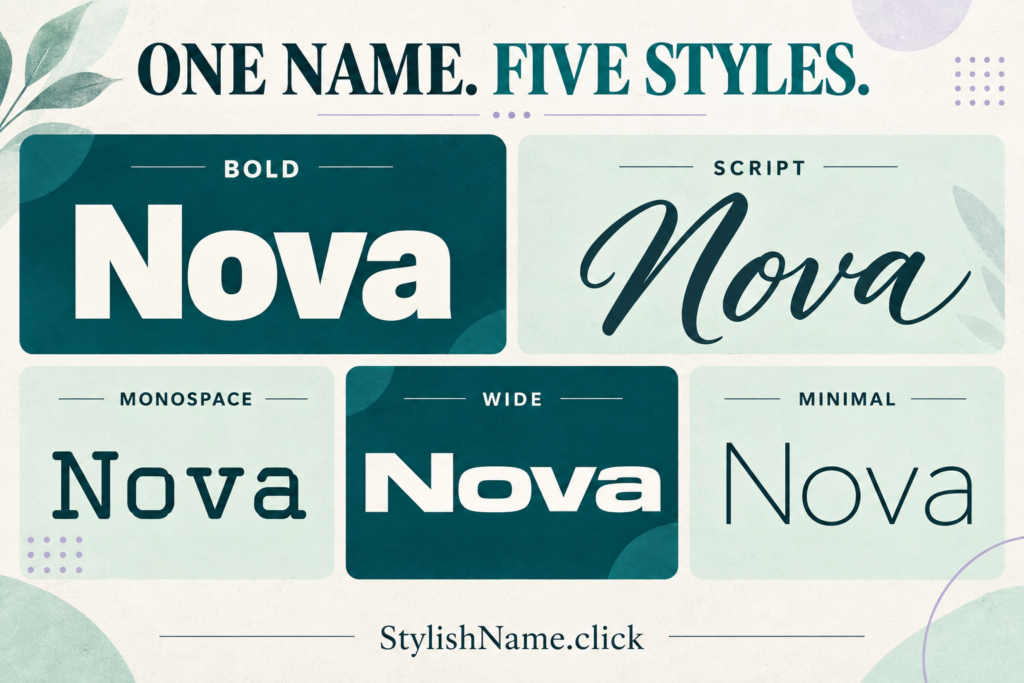
A stylish name works best when people can still recognize it. Start with a name you like, choose one lettering style, and add a small detail only if it improves the result. You do not need a wall of symbols to make a profile feel like yours.
Below are 35 copyable stylish name ideas, grouped by mood, plus a simple way to adapt them for gaming and social profiles. These are starting points, not a list of available usernames: a platform may already have a name in use or reject some of its characters.
To style your own name, open the Stylish Name Generator, enter your text and compare the results. Keep a plain-text version handy while you experiment.
Choose the feeling before choosing the font
Think about the impression you want your name to make. Bold lettering can feel direct; script can feel softer; monospace can feel orderly. Those are design choices, so pick the one that fits your profile rather than chasing the most decorated result.
- For a gaming nickname: aim for a short name your teammates can recognize quickly.
- For a social display name: choose a style that fits your profile photo and bio.
- For a creator profile: keep the same readable core name across the places where people find you.
A good quick check is to say the name aloud. If you cannot easily tell someone what to type, simplify it. You can explore more starting points in our nickname ideas and name directory.
35 stylish name ideas you can copy
Select a sample in the right-hand column and copy it, or use its plain name in the generator to explore other styles. On a phone, press and hold the text to select it. Always preview the pasted result before saving your profile.
Clean and bold names
Choose these if you want a name that stands out without extra decoration. The thicker letters give short names a clear silhouette.
| Plain name | Copyable style |
|---|---|
| Nova | 𝗡𝗼𝘃𝗮 |
| Aria | 𝗔𝗿𝗶𝗮 |
| Atlas | 𝗔𝘁𝗹𝗮𝘀 |
| Echo | 𝗘𝗰𝗵𝗼 |
| Zen | 𝗭𝗲𝗻 |
| Vega | 𝗩𝗲𝗴𝗮 |
| Luna | 𝗟𝘂𝗻𝗮 |
Gaming names with a little edge
A single pair of symbols can frame a gaming name without hiding it. Try the simpler version first; keep the decoration only if your game accepts it and displays it clearly.
| Plain name | Copyable style |
|---|---|
| Volt | ✦ 𝗩𝗼𝗹𝘁 ✦ |
| Raven | ✦ 𝗥𝗮𝘃𝗲𝗻 ✦ |
| Flux | ✦ 𝗙𝗹𝘂𝘅 ✦ |
| Rift | ✦ 𝗥𝗶𝗳𝘁 ✦ |
| Kairo | ✦ 𝗞𝗮𝗶𝗿𝗼 ✦ |
| Onyx | ✦ 𝗢𝗻𝘆𝘅 ✦ |
| Pixel | ✦ 𝗣𝗶𝘅𝗲𝗹 ✦ |
For game-specific inspiration, try the Free Fire stylish name generator or PUBG name generator. Read the game name guide before spending a rename item or confirming a change.
Soft and aesthetic names
Flowing script suits a softer profile style. These examples look best when the surrounding bio stays simple, giving the name room to be read.
| Plain name | Copyable style |
|---|---|
| Mira | 𝓜𝓲𝓻𝓪 |
| Aster | 𝓐𝓼𝓽𝓮𝓻 |
| Lyra | 𝓛𝔂𝓻𝓪 |
| Iris | 𝓘𝓻𝓲𝓼 |
| Aura | 𝓐𝓾𝓻𝓪 |
| Elara | 𝓔𝓵𝓪𝓻𝓪 |
| Solace | 𝓢𝓸𝓵𝓪𝓬𝓮 |
Minimal names in small caps
Small-cap lettering creates a quieter look. It is a useful starting point when you like a neat profile and want to avoid long strings of stars, brackets or emojis.
| Plain name | Copyable style |
|---|---|
| Sage | ꜱᴀɢᴇ |
| Kai | ᴋᴀɪ |
| Remy | ʀᴇᴍʏ |
| Theo | ᴛʜᴇᴏ |
| Noor | ɴᴏᴏʀ |
| Eden | ᴇᴅᴇɴ |
| Skye | ꜱᴋʏᴇ |
Monospace names for creators
Evenly spaced lettering gives these names a tidy, technical feel. Try one for a creator display name, a community nickname or a coding-themed profile.
| Plain name | Copyable style |
|---|---|
| Orbit | 𝙾𝚛𝚋𝚒𝚝 |
| Quill | 𝚀𝚞𝚒𝚕𝚕 |
| Byte | 𝙱𝚢𝚝𝚎 |
| Frame | 𝙵𝚛𝚊𝚖𝚎 |
| North | 𝙽𝚘𝚛𝚝𝚑 |
| Spark | 𝚂𝚙𝚊𝚛𝚔 |
| Wave | 𝚆𝚊𝚟𝚎 |
Make any of these names your own
- Choose a base name. Use your name, a nickname or a word you enjoy. A familiar core is easier to recognize when you change its style.
- Pick one lettering style. Compare bold, script, monospace and wide text. Look at the whole word, especially similar-looking letters.
- Add one small accent if needed. A star or a simple bracket can be enough. Compare it with the undecorated version before deciding.
- Paste into the actual profile field. Check how the name looks in a profile, chat or lobby, not only inside the generator.
- Keep a plain-text fallback. If a character is rejected or turns into a box, use the simpler name and try a different style later.
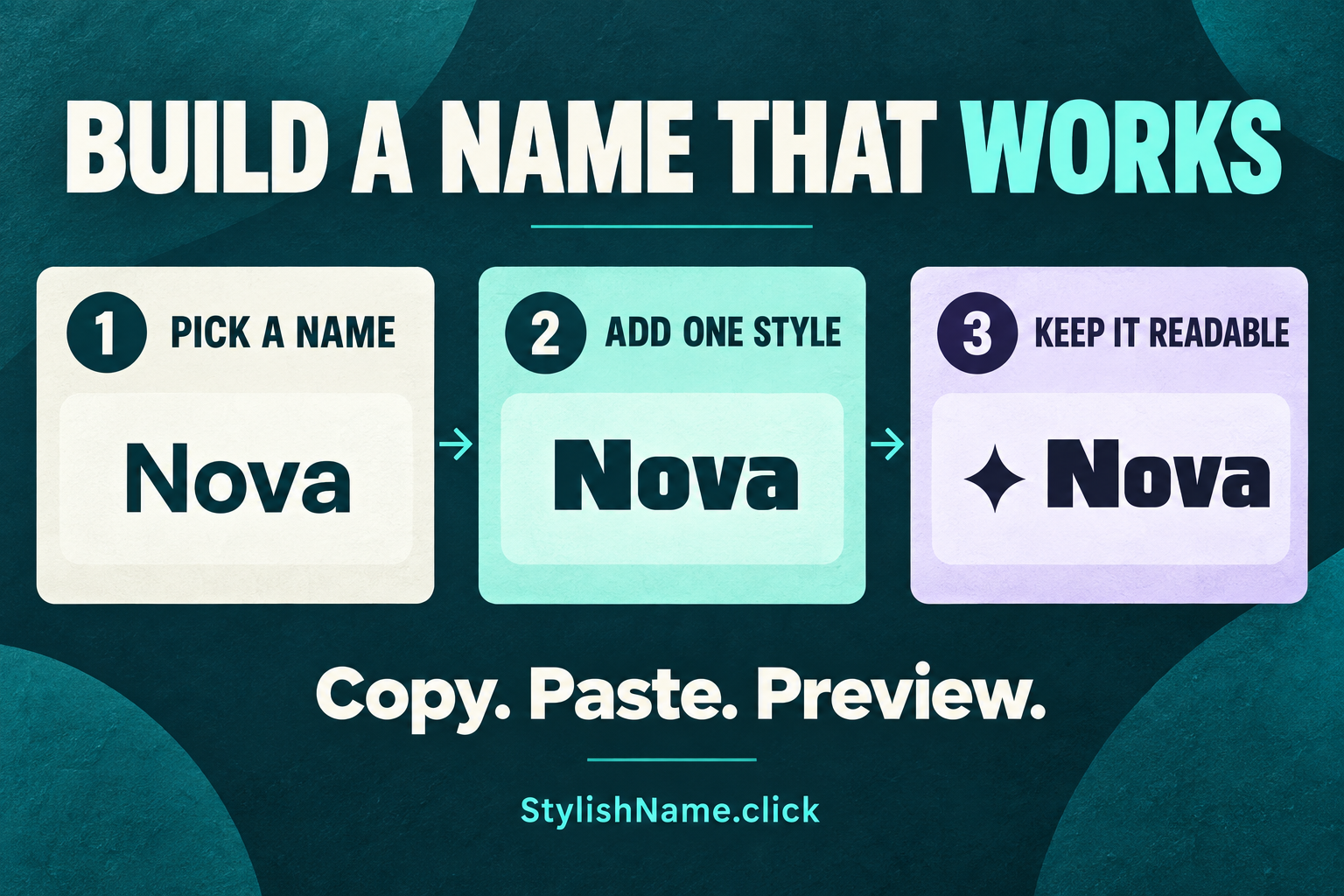
For example, start with Nova, try 𝗡𝗼𝘃𝗮, and then compare it with ✦ 𝗡𝗼𝘃𝗮 ✦. The best choice is the one that stays clear in the place you use it. The extra star is optional.
Why the same name can look different in another app
Most copy-and-paste “fancy fonts” work by substituting Unicode characters, rather than installing a new font on your device. The app and the device still decide how to draw those characters. As the Unicode display guide explains, missing font support can produce empty boxes. A style that looks good in one place may look different elsewhere.
A display name and a username can also have different rules. For example, Discord documents separate requirements for usernames and display names. Treat each field separately and check its current rules instead of assuming that a copied style will work in every box.

If you are styling a profile, explore our Instagram fonts and TikTok fonts, then test the result in the field you intend to change. Keep important contact details and searchable identifiers in clear, ordinary text.
A quick check before you save
- Read it at a small size. Can you still recognize the name beside a small avatar?
- Check every character. Watch for boxes, missing accents and decorations that run into nearby text.
- Try copying it back out. Make sure the name you saved is the one you intended.
- Keep personal details out. Avoid adding a phone number, full date of birth or another private detail just to make a name unique.
- Use a simple fallback. Plain letters are easier to retype when someone wants to find you.
Frequently asked questions
Are these stylish names free to use?
You can copy these examples and generate your own styles for free on StylishName.click. The game or social platform may have separate rules or charges for changing a name. Check those before confirming a rename.
Will these names work in every game and app?
No. Character support and naming rules vary. Test the exact sample in the exact field you want to change. If it is rejected, remove the symbols first, then try a simpler lettering style or the plain name.
Can I use my own name instead of these examples?
Yes. Enter your own name in the generator and compare the styles. You can also start with an idea from this list and change the core word so it feels more personal.
Why does a stylish name appear as squares?
Missing-character boxes can appear when the app or device cannot display a character. Try a simpler style, remove unusual symbols, and check the pasted result again. An image of the name does not make that character work in a text field.
Find a style that still feels like your name
Choose one of the 35 ideas above, or start with a name you already use. Keep the word recognizable, test the result where it will appear, and save a plain version as a backup.